Construction & Engineering · Updated September 25, 2026
How do I extract specifications, loads, and dimensions from engineering drawings?
Reviewed for technical accuracy by licensed professional engineers.
Short answer
Run an extraction tool over the text layer of the drawings and specs to pull structured values — design loads, material grades, member sizes, and key dimensions — into a table you can review and export, rather than retyping them from general notes and schedules.
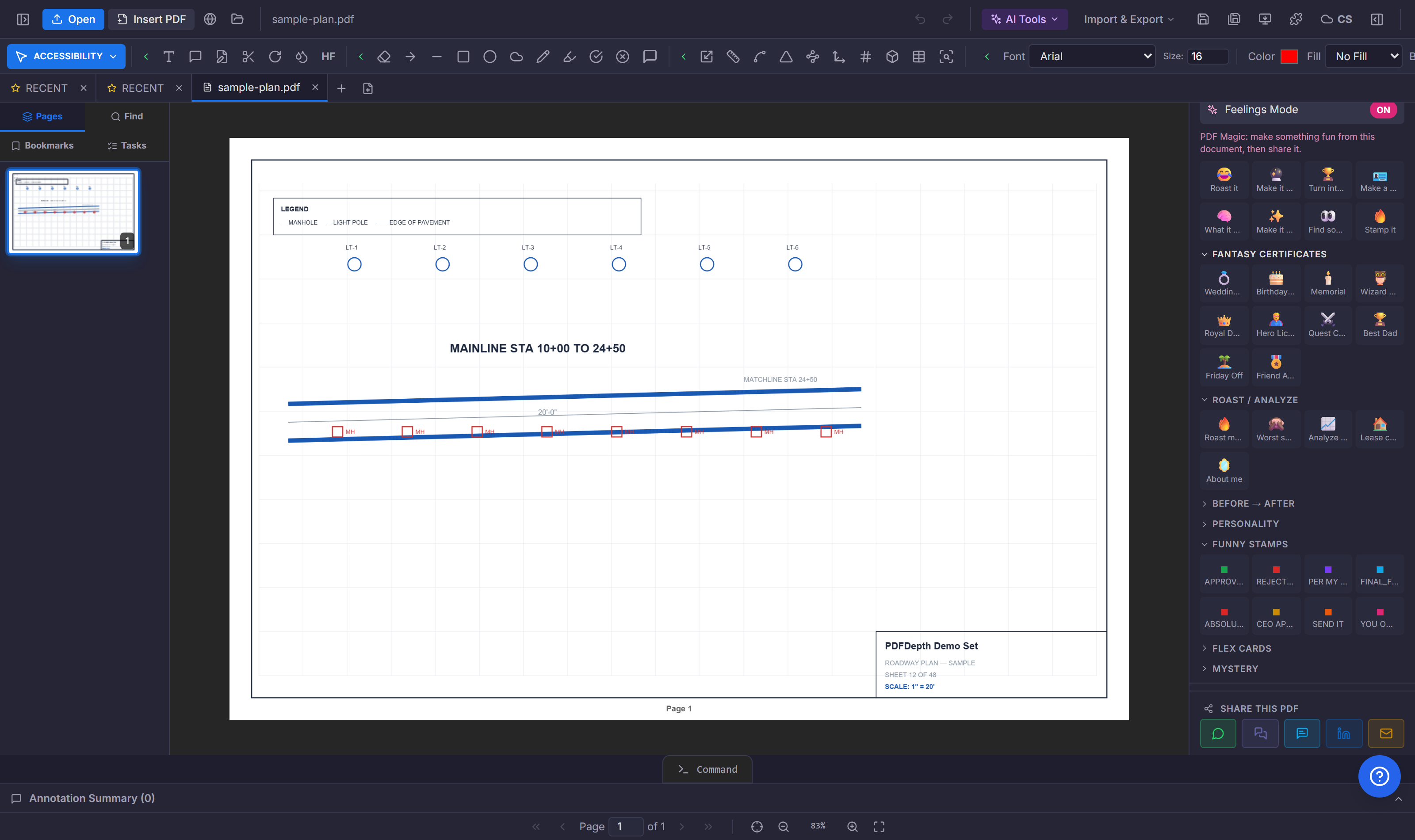
Where the parameters live
Engineering values hide in predictable places: general notes list design loads and criteria, schedules tabulate member sizes and equipment, and title blocks carry project data. The information is all there — the work is pulling it out of narrative text into a structured form.
Automating the extraction
The Engineering Parameters tool in PDFDepth reads the text layer and extracts values into a reviewable table. For schedule-heavy sets, Extract Schedules to CSV/Excel converts schedule tables on the sheets directly into spreadsheet rows. Both approaches beat retyping: fewer transcription errors, and every value can be traced back to its sheet.
Verify before you rely
Extraction reads what is written — if two sheets disagree, you get both values and must resolve the conflict. Always spot-check critical parameters against the source sheet, and prefer extraction outputs that cite where each value came from.
References
Everything in this article runs in the live PDFDepth workspace — the same app the workflows above were verified against.
Key takeaways
- Loads, grades, and sizes live in general notes, schedules, and title blocks.
- Extraction turns narrative text into a structured, exportable table.
- Extract Schedules handles the tabular data directly.
- Spot-check critical values against the source sheet.
Related questions
Not directly — extraction reads the text layer, so scanned sheets need OCR first.
Do it in PDFDepth
In the app: AI Tools → Engineering → Engineering Parameters · FOLDER:EXTRACT_SCHEDULES for tables
Try it free — no signup, no upload
Related articles
Put it into practice
Everything above runs inside the PDFDepth workspace — free for 14 days, no credit card.
Start for Free