AI & Documents · Updated September 25, 2026
How do I turn a PDF into a mind map?
Short answer
Run the PDF through an AI mind-map generator, which extracts the document’s main topics, sub-topics, and relationships and lays them out as an interactive branching diagram you can expand and share.
What the generator does
The tool reads the document’s text, identifies the central topic and its subtopics, and draws the hierarchy as a branching map — chapter to section to point. Dense documents become a shape you can grasp at a glance: which branches are big, which are thin, and how ideas connect.
Where mind maps help
- Studying — turn a textbook chapter or paper into a revision map.
- Briefing — show a report’s structure to a team in one view.
- Orienting — see what a 200-page document covers before reading it.
Doing it in PDFDepth
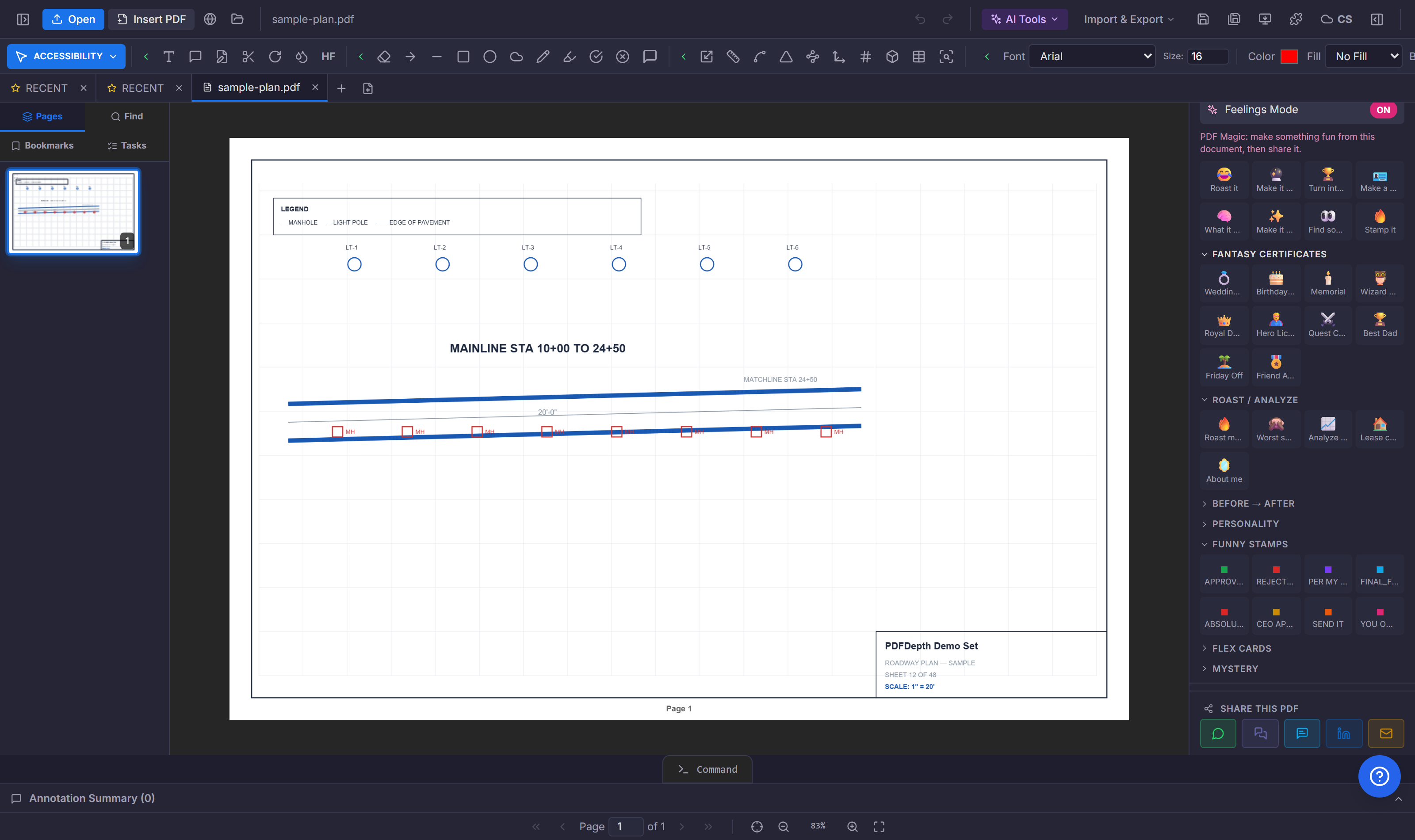
AI Mind Maps generates the diagram inside the workspace — expand and collapse branches, and jump back to the source text when a node needs checking. As with all text-based tools, scanned PDFs need OCR first.
Everything in this article runs in the live PDFDepth workspace — the same app the workflows above were verified against.
Key takeaways
- Mind mapping turns document structure into a branching diagram.
- Best for studying, briefing, and orienting in long documents.
- Branches link back to the source — verify before quoting.
Related questions
The generated map is interactive — expand and collapse branches to explore the structure.
Do it in PDFDepth
Try it free — no signup, no upload
Related articles
Put it into practice
Everything above runs inside the PDFDepth workspace — free for 14 days, no credit card.
Start for Free